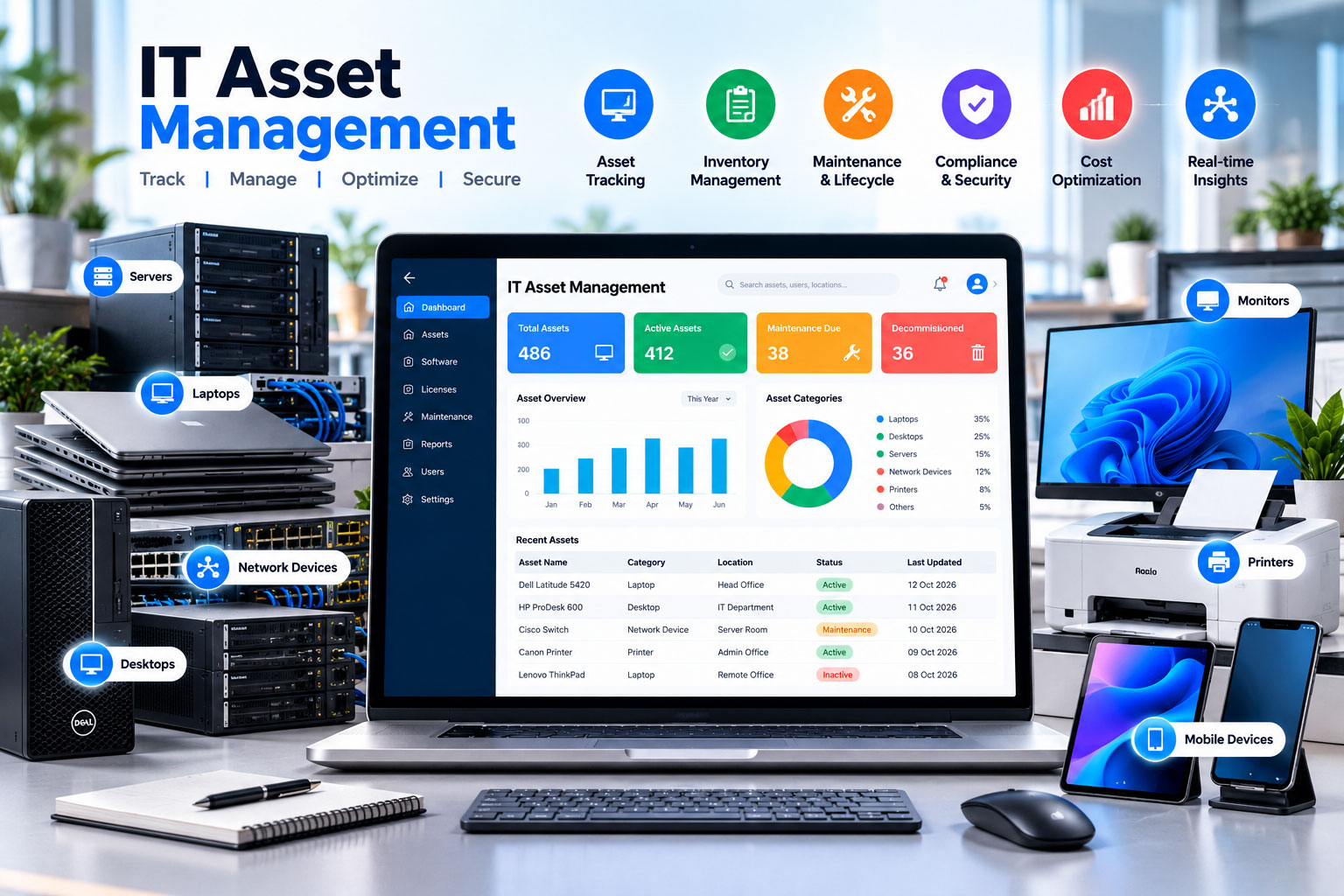
Managing thousands of employee laptops, servers, cloud licenses, and peripherals is one of the most demanding responsibilities in modern enterprise technology. IT Asset Management (ITAM) ensures every device is accounted for, secure, fully compliant, and delivering maximum return on investment.
What Is IT Asset Management (ITAM)?
IT Asset Management (ITAM) is the continuous set of business practices that joins financial, contractual, and inventory functions to support lifecycle management and strategic decision-making for the IT environment. ITAM encompasses both physical hardware (laptops, monitors, networking gear, servers) and software assets (installed applications, enterprise licenses, cloud subscriptions).
In modern hybrid work models, ITAM is also the first line of defense in corporate cybersecurity. An unmanaged or forgotten laptop is an unpatched vulnerability waiting to be breached.
Managing Laptops, Desktops, Servers, and Peripherals
IT hardware demands rigorous tracking across every specification level. Effective ITAM requires capturing more than just a brand name:
- Core Hardware Specifications: CPU architecture, RAM, storage capacity, operating system build, and MAC address.
- Unique Identifiers: Manufacturer serial number, company asset tag ID, and IMEI for cellular-enabled equipment.
- Physical Location & Ownership: Current office, floor, department, assigned user email, and assignment date.
- Financial Metadata: Purchase invoice number, PO reference, vendor warranty expiration date, and depreciation schedule.
Streamlining Employee Allocation and Offboarding Hand-offs
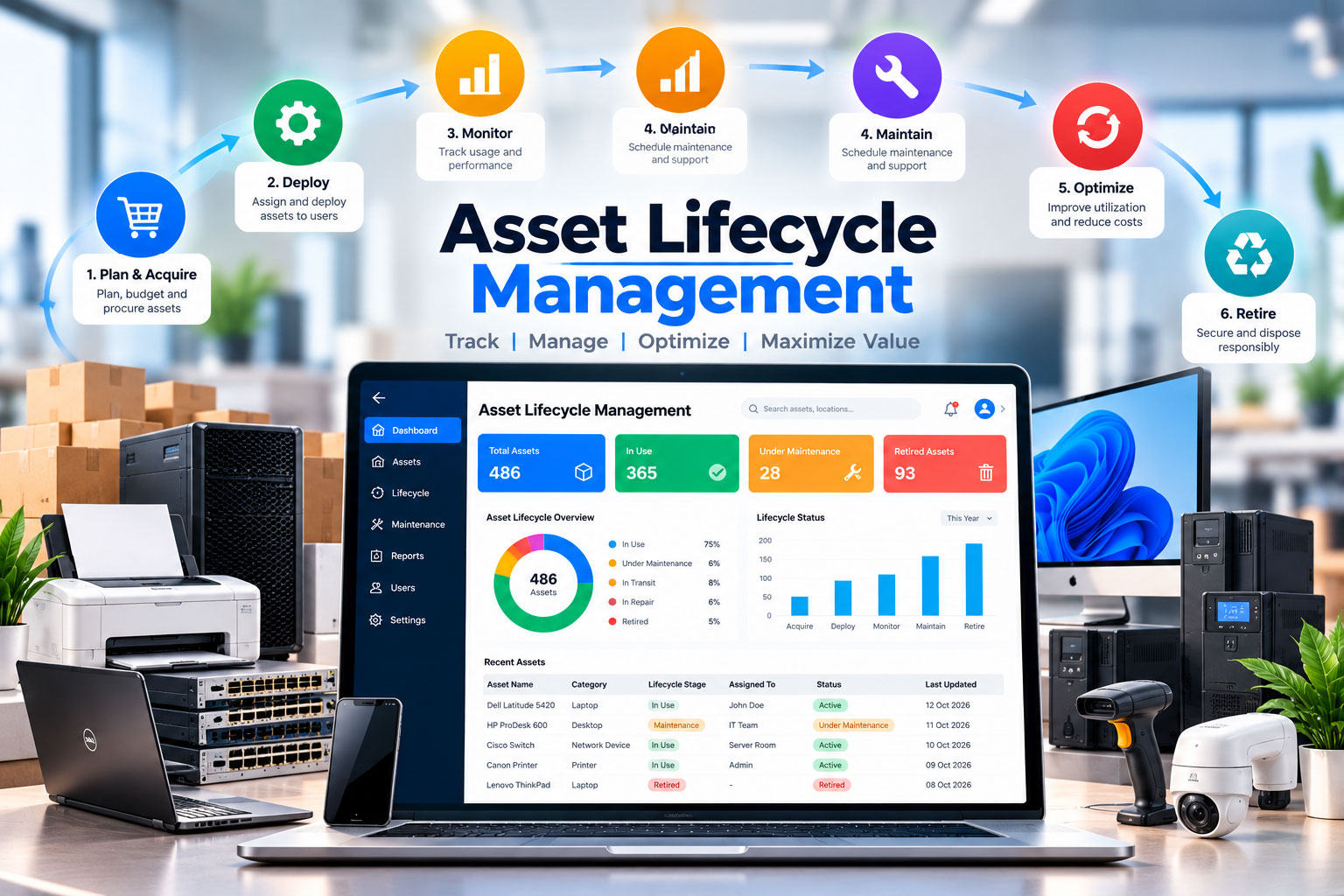
The lifecycle of an IT asset is intimately tied to the human resources lifecycle. When asset workflows are disconnected from HR, equipment falls through the cracks:
| Lifecycle Milestone | Key ITAM Actions | Common Failure Point |
|---|---|---|
| New Employee Onboarding | Allocate available laptop from stock; scan QR tag; update status to ASSIGNED; record user signature. |
Deploying unrecorded hardware or purchasing duplicate units when stock was available. |
| Mid-Tenure Hardware Refresh | Exchange older workstation; backup data; log replacement; update warranty record and retire old unit. | Old laptop sits in a drawer unaccounted for as a forgotten ghost asset. |
| Employee Offboarding | Initiate hardware return checklist; trigger remote wipe; verify return via courier; update status to UNASSIGNED. |
Remote employees keeping laptops due to lack of return tracking and formal custody documentation. |
Software License Visibility & Compliance Monitoring
Hardware tracking is only half the battle. Software compliance requires monitoring what is actually running on company-owned endpoints:
“Unmonitored endpoints frequently accumulate unapproved freeware, peer-to-peer tools, or outdated software with known CVE vulnerabilities. Automated compliance agents bridge the gap between policy and reality.”
Leading ITAM platforms maintain two critical lists:
- Approved Software List: Certified corporate tools, productivity suites, antivirus agents, and authorized development environments.
- Blocked / Blacklisted Software: Unapproved file sharing tools, unauthorized VPNs, compromised utilities, or pirated media applications.
When an endpoint agent discovers a violation, the platform moves the alert through a defined resolution lifecycle: NEW → NOTIFIED → OVERDUE → RESOLVED, ensuring administrators can take prompt remedial action.
Maintenance, Warranty Tracking, and IT Help Desk Integration
When an employee's display flickers or a hard drive fails, IT technicians need instant context. Instead of asking the user to read tiny serial numbers off the bottom of their laptop, an integrated ITAM platform connects user tickets directly to hardware profiles:
- Technicians immediately see device purchase date, remaining warranty coverage, and previous repair history.
- If the device is under manufacturer warranty, IT files an OEM claim rather than wasting internal budget.
- If the device has reached end-of-life, the help desk can initiate an immediate replacement workflow.
Common ITAM Pitfalls and How to Overcome Them
Avoid these frequent operational traps when building your ITAM program:
- Treating ITAM as a One-Time Audit: Conducting an annual hardware audit and ignoring daily updates leads to outdated records within weeks. ITAM must be an ongoing, automated process.
- Failing to Track Peripheral Bundles: Monitors, docking stations, and specialized headsets represent substantial collective capital. Bundle peripherals into asset kits assigned to specific workstations.
- Ignoring Security Deregistration: Disposing of a laptop without verified cryptographic drive wiping and software license deregistration invites severe compliance and security penalties.
How Trackify Assets Empowers Modern IT Departments
Trackify Assets provides IT leaders with an intuitive, unified platform built for contemporary enterprise scale:
- Complete Hardware Lifecycle Governance: Track laptops, monitors, accessories, and servers with complete specification records and instant QR scanning. Check our unified tracking overview.
- Native Software Compliance Agent: Scan installed software across endpoints, enforce approved and blocked lists, and track alert lifecycles from detection to resolution. Read about our software compliance features.
- Conversational AI Help Desk: Allow employees and technicians to query asset specs, raise tickets, and troubleshoot hardware issues through a conversational AI interface. Learn about our AI help desk capabilities.
- Granular Role Management: Segment permissions between IT administrators, department managers, and view-only auditors. Review our user role features.
Transform your IT asset operations with Trackify Assets
Empower your IT team with automated tracking, software compliance, and seamless lifecycle governance. Explore our transparent pricing tiers or request an executive demo today.